Passing UTM Parameters to Authentication Attempt
Last Updated:
Overview
This article provides steps to pass custom parameters, such as Urchin Tracking Module (UTM) parameters, in an authentication request and access them using an Action.
Applies To
- Actions
- Custom parameters
Solution
Custom parameters can be passed as HTTP query string parameters to the /authorize request. For example:
.../authorize?client_id=123&utm=hello+user&...Follow these steps to access the parameters through an action. In this example we retrieve the UTM parameters previously added to the /authorize request via Action with Post-Login Trigger:
- Create an Action to access the values of those HTTP query string parameters. Making a call to the 'event.request.query' property will return details about the request that initiated the transaction. For more information, refer to Actions Triggers: post-login - Event Object
Example: console.log(event.request.query);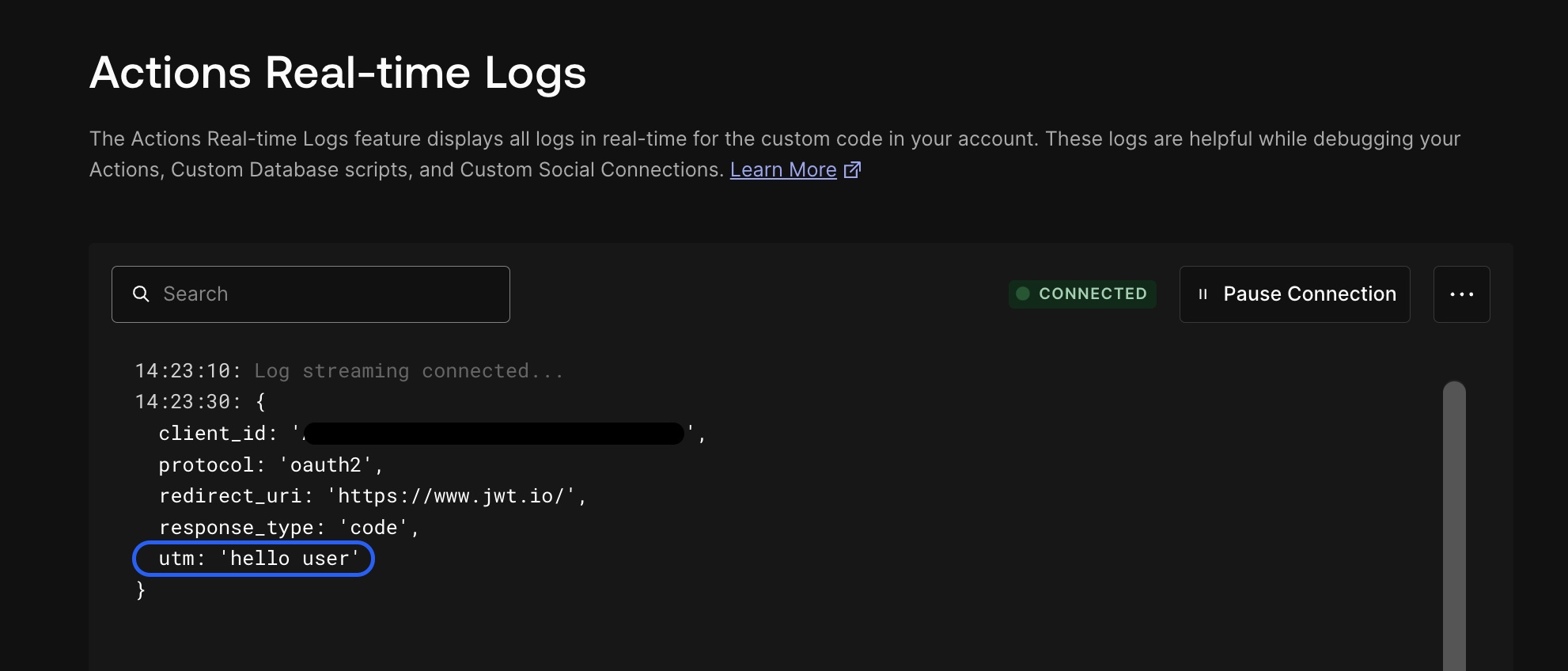
- If required, the Action can be coded to store the returned values of the HTTP query string parameters in the user's app_metadata or user_metadata. In the context of Post-Login Action, 'api.user.setAppMetadata(name, value)' or 'api.user.setUserMetadata(name, value)' can be used for this purpose.


